

“A truly great tool! Helped me find a few pixel issues I never noticed before.”
Daniel K.PC Enthusiast
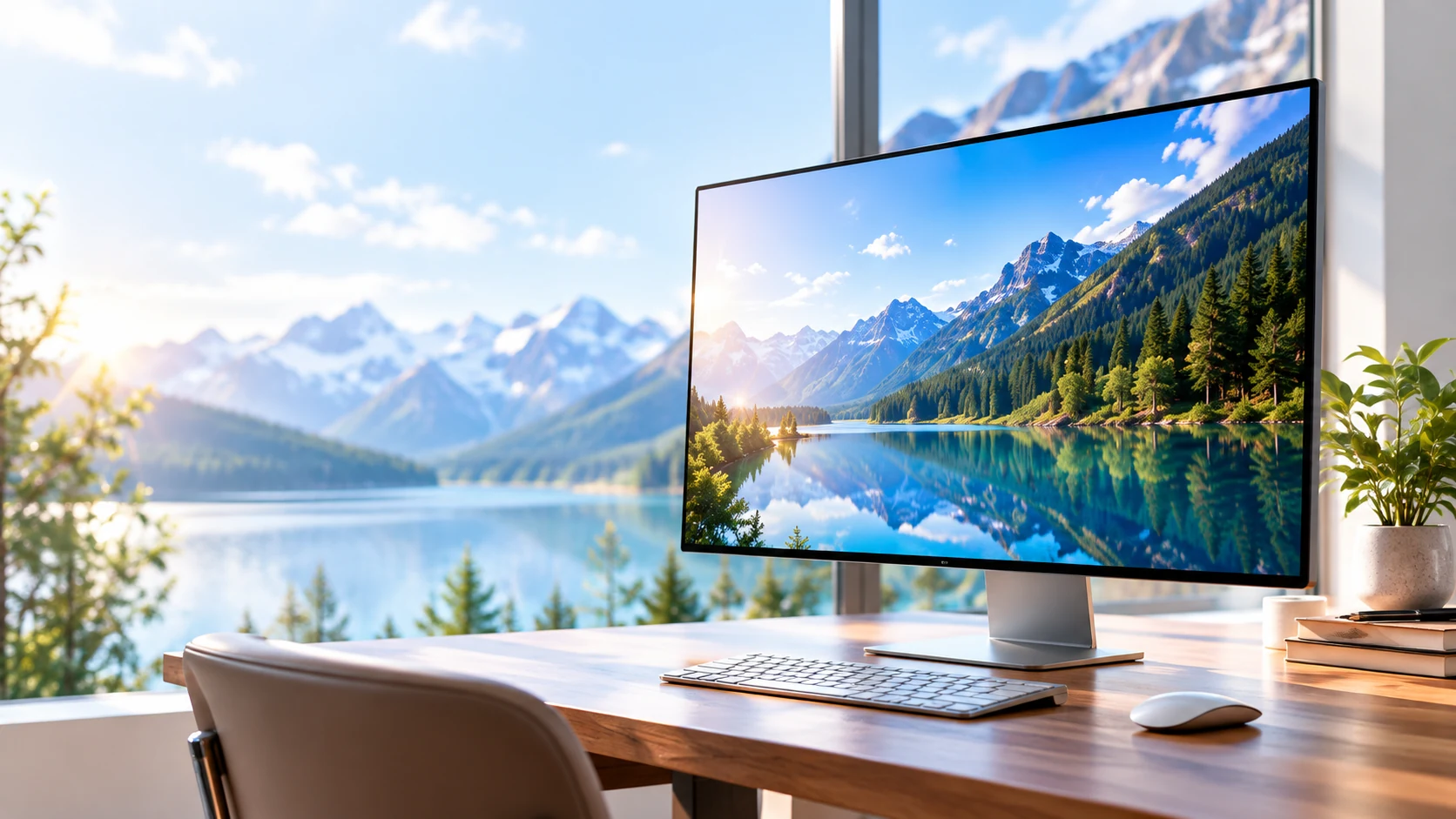
The free display testing tool for every screen
A simple, powerful way to check your monitor,
TV, laptop, or mobile device. Run display tests,
find issues, and make sure your screen looks its best.
Works onany device
Free, no installationNo personal data
Fast, reliableand easy to use
Popular tests
Choose from essential screen tests to detect common issues,
calibrate your display, and ensure the best visual experience.

Check dead pixels, stuck pixels, and screen uniformity.
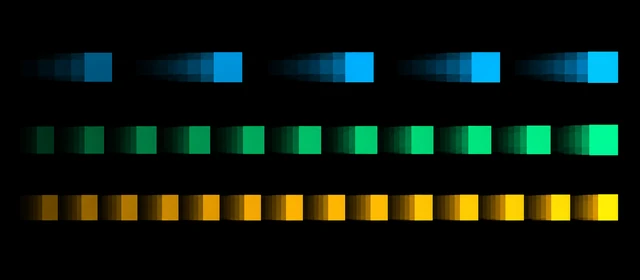
Check refresh rate, frame timing, and motion smoothness.
Compare white balance, color patches, and skin tones.

Compare fine lines, checkerboards, and image proportions.

Inspect dark-screen uniformity with black and gray fields.
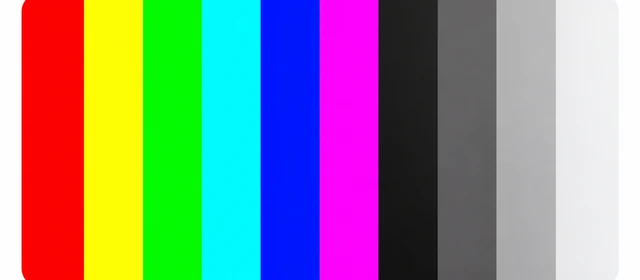
Compare color bars, grayscale steps, and smooth gradients.
How it works
Launch a test, follow the on-screen instructions,
and check your display in seconds.
Pick a check for your display from our available browser tools.
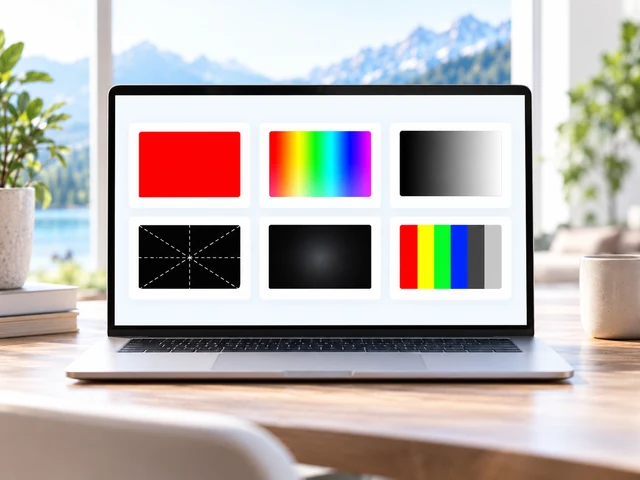
Run the test fullscreen in your browser.
Look for issues and make sure everything looks right.
What people say
A clearer view, from our community.
“A truly great tool! Helped me find a few pixel issues I never noticed before.”
Daniel K.PC Enthusiast

“Simple, fast and reliable. I use it before buying a monitor and it gives me confidence.”
Sophia L.Graphic Designer

“Works perfectly on all my devices. Clean interface and very easy to use.”
James T.IT Professional
FAQ
Everything you need to know
about using My Screen Tester.
Yes. The available display checks are free to use, with no account, subscription, or test-result upload.
No downloads or installation are needed. Open a test in your browser, choose a reference, and use the fullscreen control when you are ready.
Use a modern browser on your monitor, laptop, tablet, or phone. Fullscreen availability varies by browser, especially on mobile devices; visible controls remain available.
Check for dots that stay dark or fixed to one color, uneven brightness, and tinted patches. Clean the screen first and compare several colors. Use a dark room for backlight bleed and normal lighting for other checks.
Our color calibration page provides visual references for white balance and color. A browser check cannot measure physical color accuracy or replace a hardware colorimeter.